Performance Max creative A/B testing: what to test and when to trust the result
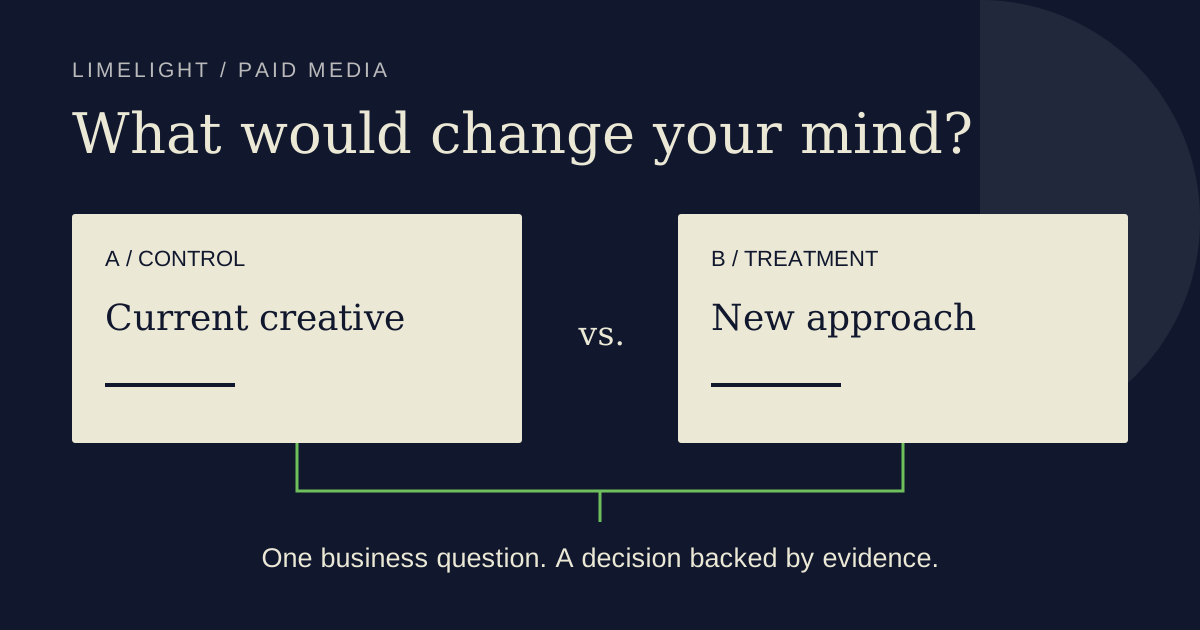

Start with a creative decision you would act on. Choose the business outcome, define the change and agree on the evidence you need before you launch. Adopt the treatment only when the experiment supports that decision and the result meets your commercial requirements. An inconclusive test is a valid reason to keep the existing creative.
For ecommerce teams, the hard part can be choosing a test window that survives the promotion calendar. A result is of little use if the assets need replacing before the experiment can finish. The example below shows how we'd plan the decision, including what to do when the numbers look promising but remain uncertain.
Need help choosing the experiment? Our paid media team can work through the campaign and the business question with you. Call 620-308-6998.
What Google's asset test compares
Google's asset A/B-testing beta compares two asset sets inside one PMax asset group. Control assets are the reference; treatment assets are the alternatives. Common assets serve with either arm across the full traffic split. The result concerns those combinations in that group.
In Google Ads, open Experiments, choose Assets, then Assets provided by you, Performance Max and Any assets. Select the campaign and asset group, assign assets, and review the split and dates. Confirm that the option is available in your account before committing production work; the documentation still labels it beta.
Google also documents a route from editing an asset group. Check the proposed experiment inputs before creating it.
Choose a difference worth paying to learn about
Our recommendation is to compare creative approaches that would change your next production brief. Product imagery versus lifestyle imagery is useful if your team needs to decide which photography to commission. Product benefits versus customer proof could answer a messaging question, provided the proof is authentic and approved for use.
Keep the question narrow enough to explain afterward. If you change photography, copy and the offer together, the experiment can inform a decision about that complete package. You lose the ability to attribute the result to one of its ingredients. Write that limitation into the brief if a package comparison is the decision you actually need.
For an ecommerce campaign, we would choose purchase conversion value as the primary outcome when revenue is measured reliably, with ROAS and margin as commercial checks. Use the account's actual conversion definitions and value settings. A page view or an add-to-cart event answers a different question from a completed purchase.
Our paid media guide provides the wider channel context. Keep this experiment tied to a decision within that plan so the team knows what a useful result would change.
A hypothetical test: product photos versus lifestyle photos
Imagine a homewares retailer deciding whether its next photography brief should show a product in use. This is an illustrative planning exercise, with no client data or predicted uplift.
The hypothesis: lifestyle photography will help shoppers understand the product's use and increase purchase conversion value while keeping ROAS above the retailer's agreed profitability floor. Both approaches must depict the same product accurately.
| Planning choice | What this hypothetical retailer writes down |
|---|---|
| Control | Existing product-only images. |
| Treatment | Lifestyle images of the same products, with comparable format coverage. |
| Shared creative | Keep the same approved headlines, descriptions and other supporting assets. |
| Other conditions | Keep the product selection, offer and destination experience consistent wherever possible. Record necessary changes. |
| Allocation | Use a 50/50 traffic split for this example, subject to account eligibility and an acceptable test budget. |
| Decision | Adopt only if the completed comparison supports higher purchase value and meets the pre-agreed ROAS and margin requirements. |
| If evidence is insufficient | Keep the control, record what remained uncertain and decide whether another test is worth the spend. |
Before launch, the retailer also writes down the smallest improvement worth the photography cost. That threshold comes from its economics. A result can be statistically persuasive and still be too small to justify commissioning more work.
Google's experiments FAQ explains that a traffic split allocates auction opportunities; it doesn't guarantee equal spend or impressions. The split is fixed after setup. Review the experiment's comparison rather than declaring the arm with the larger raw revenue total the winner.
Give conversions time to arrive
Google recommends at least four to six weeks for these experiments and longer when conversion delay warrants it. Its FAQ also recommends waiting for one to two conversion cycles. Higher volume improves the chance of a usable result, but a calendar deadline cannot guarantee one.
Check the campaign's time to conversion. Recent clicks can still produce purchases after the day you first review the report. That makes recent CPA look higher and ROAS lower while conversions are arriving. Use a mature comparison window consistently across both arms and record which recent days remain incomplete.
We would agree on the review date before launch, then monitor delivery and measurement health during the test. A broken purchase event, disapproved treatment or unavailable product needs attention. A favorable early point estimate doesn't justify quietly moving the finish line.
Check the holiday calendar before locking creative
The asset group becomes view-only during the test: assets cannot be added, edited or removed. New treatment assets need policy approval, and both sets count toward asset limits. These are documented beta constraints.
That lock makes a late-October launch an operational decision. Four to six weeks can carry the test into late-November Black Friday and Cyber Monday promotions. Map the intended end date against every offer change and creative expiry before scheduling it.
For our hypothetical retailer, evergreen product and lifestyle photos might remain usable throughout the period. A treatment promising a promotion that expires halfway through would need a different plan. We would postpone that comparison or redesign the assets before launch if the team knows they must change them mid-test.
A simultaneous comparison can still be useful during a promotion. Our interpretation would stay tied to that trading period: holiday gift buyers and the offer they saw may favor a different approach from customers shopping at full price later. Plan a separate non-promotional check if you want evidence for year-round creative decisions. Avoid slicing the finished results into whichever few days make the treatment look best.
Review the evidence before adopting the treatment
Open the experiment summary in Google Ads. Check the comparison dates, the selected business metric and the uncertainty around the estimated difference. Google's reporting documentation describes confidence intervals and statistical-significance indicators. Record the confidence level you use and keep it consistent; changing it to produce a winner changes your decision rule.
Suppose the hypothetical retailer sees a positive purchase-value estimate, but its reported range includes both a loss and a gain. That evidence leaves the direction unresolved. Even if the team prefers the lifestyle photographs, it has not demonstrated that they improve this business outcome.
| What the completed comparison supports | Our recommended decision |
|---|---|
| Treatment improves the chosen outcome with adequate statistical evidence, and commercial checks pass | Consider adopting it, then monitor performance under normal operating conditions. |
| Treatment has a positive point estimate, but the uncertainty includes no improvement | Record an inconclusive result. Extend only if the operating conditions and remaining budget support a useful comparison. |
| More purchase value comes with unacceptable ROAS or margin | Keep the commercial constraint in the decision. Investigate the tradeoff before adopting. |
| Tracking failed or the intended treatment could not serve | Treat the comparison as compromised and repair the input before drawing a creative conclusion. |
In the asset-group builder, auto-apply for a winning treatment defaults to on. Turn it off if your team requires a review before adoption. Google's asset-test instructions say Apply updates the original group; End restores the original state and discards new treatment assets.
Check the final application status as part of the review. Assign someone to own that decision before launch, especially if the end date falls during a busy promotion.
Keep campaign adaptation separate from the test verdict
Google's current Smart Bidding documentation says budget, ROI-target and creative changes don't trigger the formal Learning status or erase historical data. Performance still adjusts over the conversion cycle, and new creative goes through policy review.
For this test, our reason to limit unrelated changes is interpretability. If stock availability, the offer and campaign settings all change, record them and narrow the conclusion accordingly. Plan other account work alongside the experiment; our Google Ads channel-prioritization article covers the separate spending-control decision.
Turn the result into the next creative brief
Write down the question, the tested assets, the mature reporting period and the adoption decision together. If the result is inconclusive, include what would make a follow-up worth running. That gives the next person a usable starting point and keeps an attractive chart from becoming an unsupported production mandate.
LimeLight's paid media work connects campaign decisions with the experience after the click. If you're weighing a creative test against holiday operations or your next production budget, talk with us about the decision.